Tutorials
Platform settings to take back control of your feed.
These guides focus on practical fixes people search for every day: how to mute words on Twitter/X, how to reset the Instagram algorithm, and how to clean up For You page-style recommendations with less scrolling, fewer distractions, and better signal.
5 X Settings to Filter Your Feed (Stop the Ragebait)
Five X (Twitter) settings that actually force your feed to change. Walk-through for Muted Words, Mute vs Block, Not Interested, sensitive content toggle, and the Following tab.
5 settingsInstagram3 Instagram Settings to See Your Friends' Posts Again
Three Instagram settings that actually force your feed to change. Walk-through for the Following feed, Not Interested on Explore, and Hidden Words.
3 settingsYouTube4 YouTube Settings to Reset Broken Recommendations
Four YouTube settings that actually force your recommendations to change. Walk-through for Not Interested, clearing Watch History, disabling Autoplay, and the Subscriptions tab.
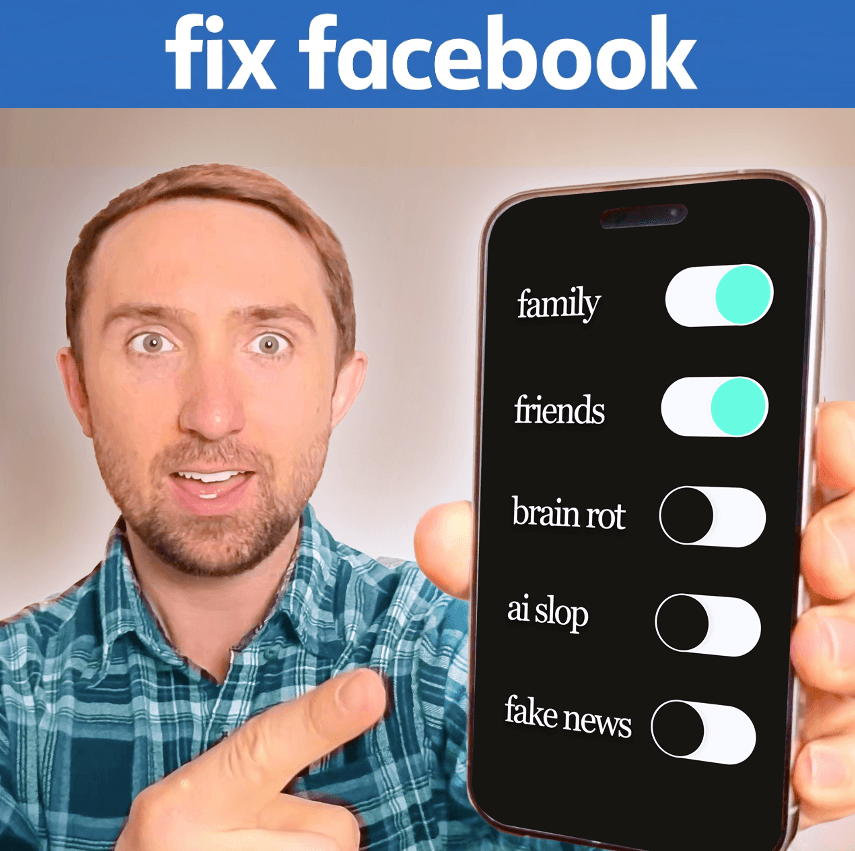
4 settingsFacebook5 Facebook Settings That Actually Fix Your Feed
Five Facebook settings that actually force your feed to change. Walk-through for the Feeds tab, Unfollow, Favorites, Snooze, and Hide All From Source.
5 settingsTikTok5 TikTok Settings to Fix a Broken FYP
Five TikTok settings that actually force your For You page to change. Walk-through for hashtag filtering, Video Keywords, FYP reset, Manage Topics, and the Following tab.
5 settings